Gigapixel annotation
Gigapixel annotation: 100,000-pixel images that open and pan like a map
Some images were 100,000 pixels on a side, with hundreds or thousands of them to a dataset. Decoded whole, one would need about 40 GB of memory, more than most laptops have. I worked out the approach, built the backend that turns them into tile pyramids, and connected the existing editor to it, so they open, zoom and pan like a map.
At a glance
- Before
- Roughly 10,000–15,000 px a side
- After
- 100,000 × 100,000 px and beyond
- Per dataset
- Hundreds to thousands of images
- Tested with
- Image files of 10–20 GB
- Label types
- Every image type the editor supports
The scale
The 2D editor handled images of roughly 10,000 to 15,000 pixels a side. Past that, memory and performance gave out. The new images were 100,000 × 50,000, 150,000 × 50,000, even 100,000 × 100,000.
Downloading an image like that, decoding it and putting it in a canvas runs straight into browser, buffer and memory limits. The arithmetic makes the point:
15,000 × 10,000About the size the editor already handled
600 MB
100,000 × 50,000
20 GB
150,000 × 50,000
30 GB
100,000 × 100,000
40 GB
One uncompressed RGBA buffer: width × height × 4 bytes. Arithmetic, not a measurement. Real use adds decoding, GPU and application memory on top.
The idea
Don't open the image. Open the part you're looking at.
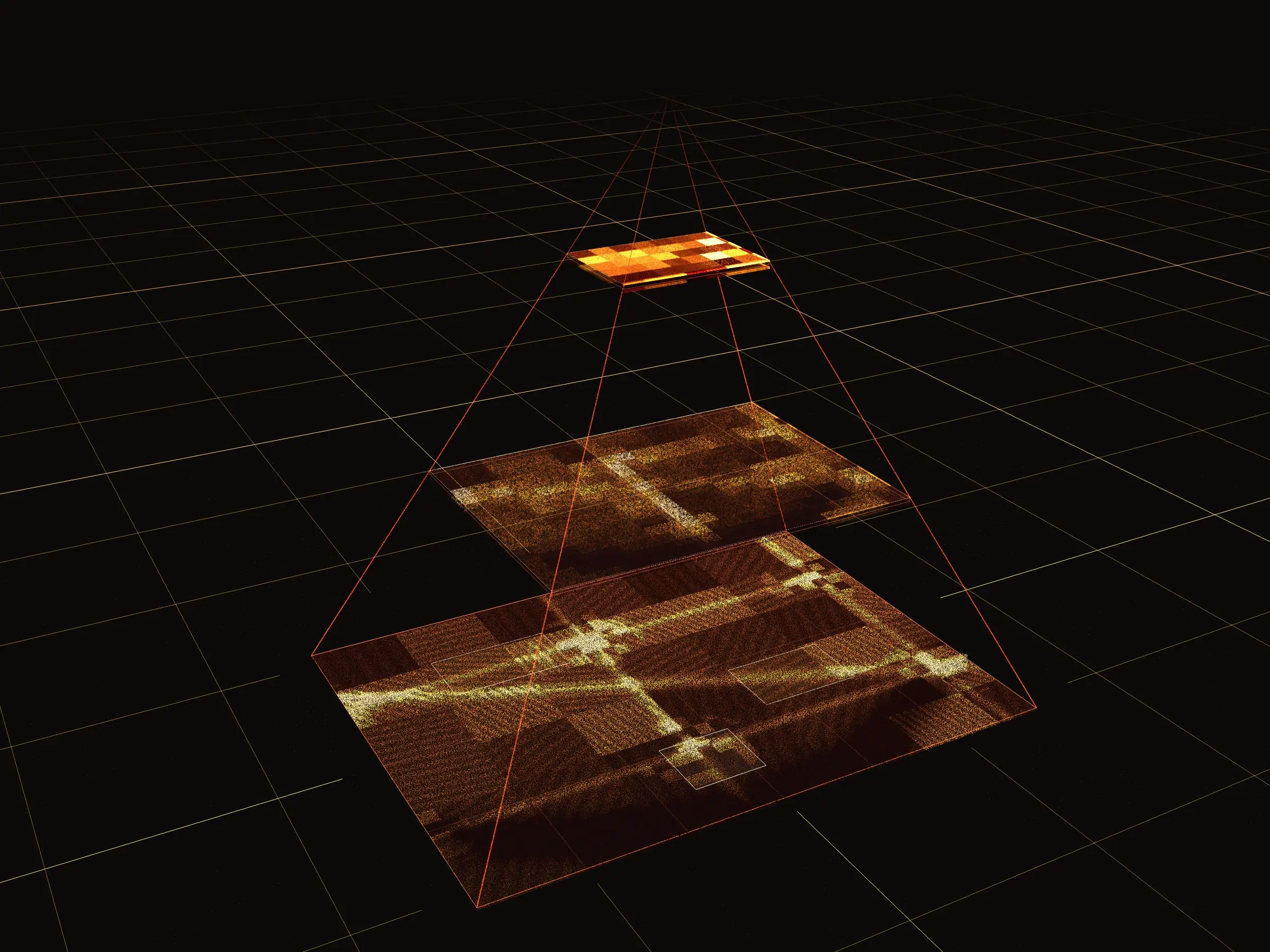
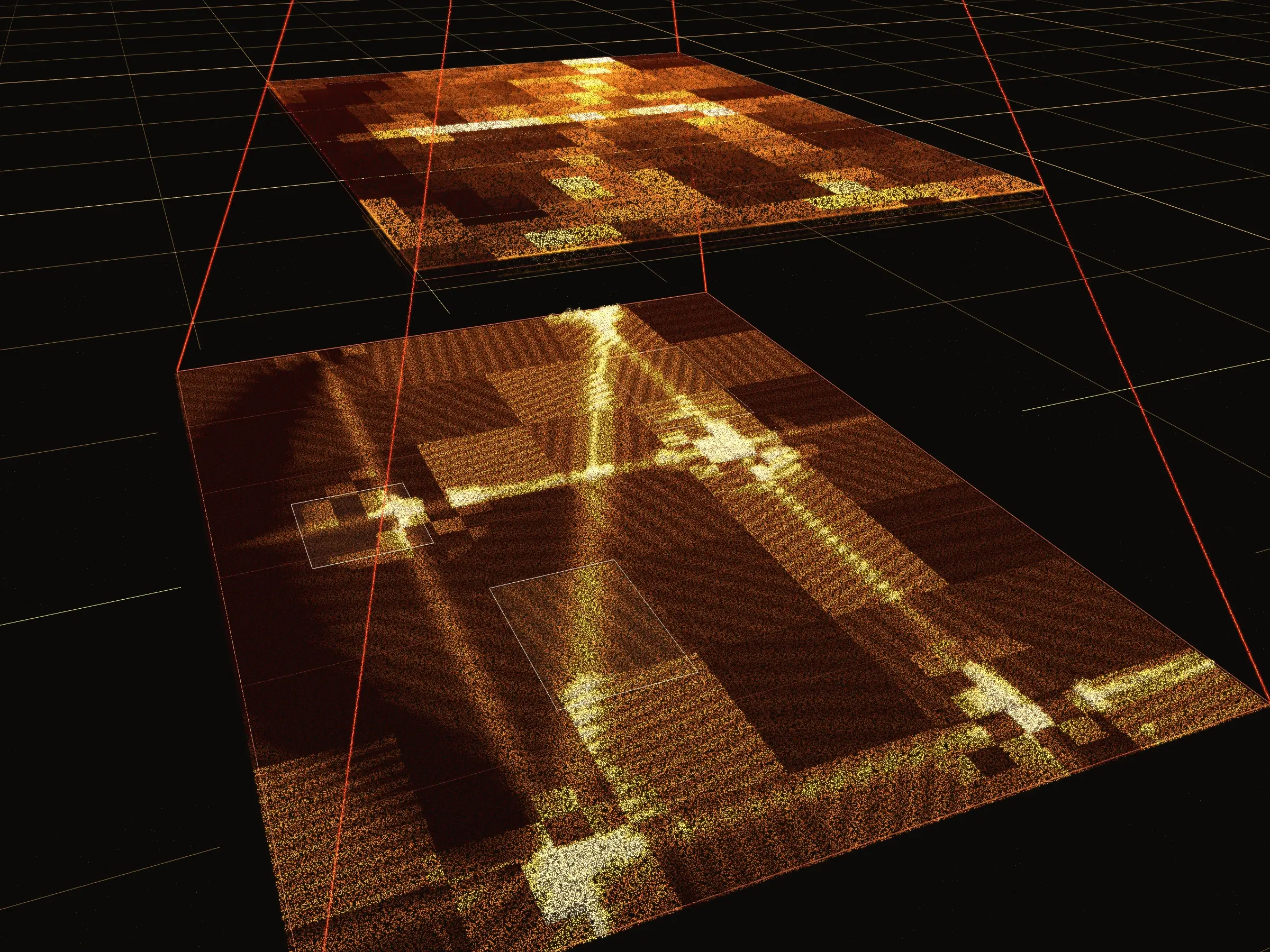
Online maps solved this long ago. Nobody downloads the planet. A map is a pyramid of small tiles at different zoom levels, and you only ever load the ones on screen. I brought the same idea to annotation.
How it works
01
Large images become pyramids
Images above a threshold are processed into tiles at several zoom levels. The number of levels is worked out from each image's resolution, so a smaller image doesn't get the depth of a huge one.
02
Never read the whole image
Processing one image at a time wasn't enough, since a single image could still mean tens of gigabytes. So the backend reads and processes each image a range at a time, which keeps memory in check at any size.
03
Lossless compression
Thousands of images across many datasets add up fast in storage. Lossless compression keeps that down without touching a pixel.
04
The editor switches, nothing else changes
The file metadata already says whether a frame needs tiles. The canvas switches to loading the pyramid, and every tool in the editor carries on as before.
What it made possible
An editor that topped out around 15,000 pixels a side now handles images 100,000 pixels a side. Every image label type the editor supports works on them, because the labeling tools never had to know the image was tiled.
In my testing with image files of 10 to 20 GB, rapid zooming and panning stayed smooth, and so did switching frames. No lag, no memory trouble: a map-like experience, for annotation.