Multi-camera view
Every camera on screen at once, tied to the 3D scene
The annotation editor showed one camera at a time, and people labeling and reviewing a scene switched cameras several times in every frame, all day. I designed and built a view that puts every camera on screen together and keeps each one visibly tied to the lidar scene. The UX and the implementation were mine, from the ground up.
The friction
The editor already did a lot: a camera viewer and a lidar viewer, zoom and pan, lidar points and labels projected onto the camera images. What it couldn't do was show you more than one camera.
So people switched. Several times a frame, hundreds of frames a session, losing their place each time. I started from that friction and designed for everything the answer had to handle: any number of cameras, small screens and large ones, and the question a labeler keeps asking: which part of the scene am I looking at, and which camera sees it?
The grid
Resizable
Cameras sit in a dynamic grid you can resize to taste, two or three columns by default.
One column when you need it
Drop to a single column for bigger images while still seeing several cameras.
Reorderable
Arrange the cameras in whatever order matches how you think about the rig.
Independent zoom
Every camera sees a different angle, so each one zooms and pans on its own.
Image and scene
A grid of images is only half the answer. The other half is understanding how each image relates to the 3D scene without having to work it out, so I added cues that make the relationship visible.
Active camera
Work in an area of the lidar scene and the camera covering it lights up with a border.
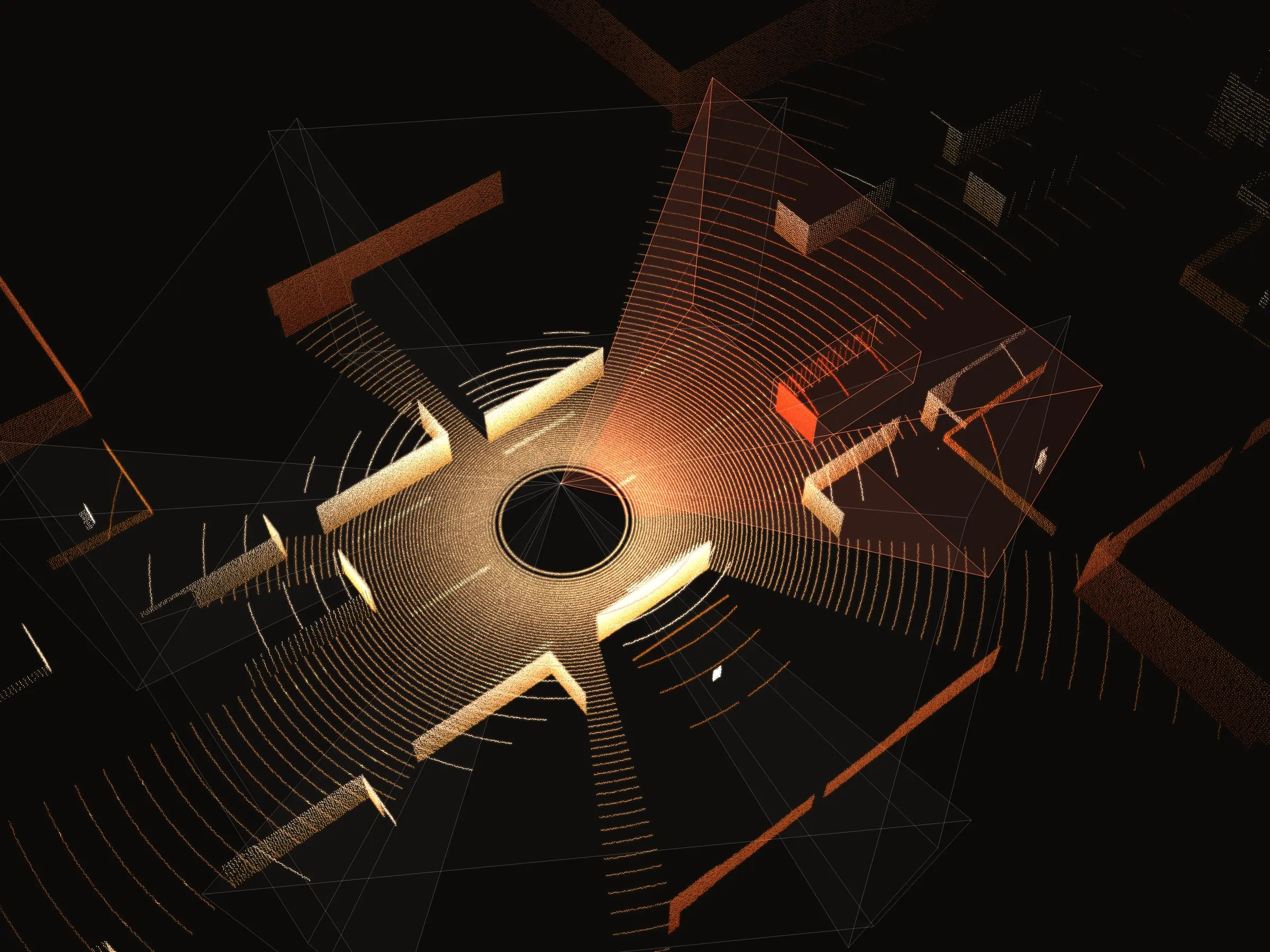
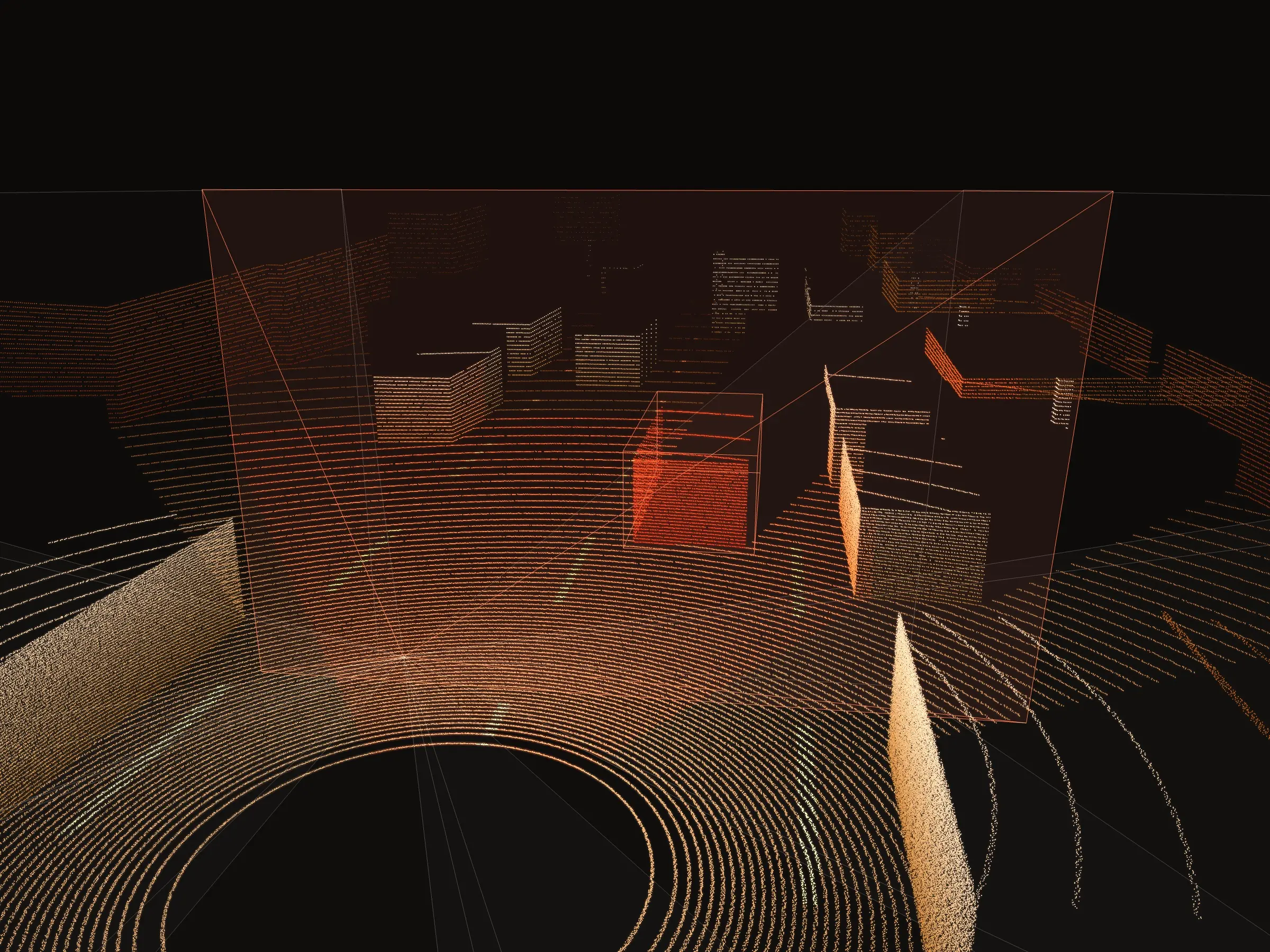
Frustum
Work in a camera image and its field of view appears right in the point cloud.
Auto-zoom
Select a 3D box and every camera that sees it zooms straight to it: to the image label if there is one, or to the spot calibration says it should be. On by default, and easy to switch off.
The hard part
The editor was already full. Everything new had to fit without shouting.
This is an enterprise tool with a lot of features competing for space and attention. Too much color or highlighting and every other part of it gets harder to use. The grid, the cues and the controls all had to slot into the existing hierarchy and feel like they'd always been there. Getting the UX right was the hardest part of the job.
Around it, I extended the issue flow so reviewers can raise an issue across several camera images at once.