Deepen Refinery
The marketplace for physical AI data, built from the first commit to launch
Refinery is Deepen's marketplace for physical AI: the robotics, autonomous-driving and medical teams who need real-world sensor data to train their models, and the partners who capture it. I started the frontend from an empty repository, shaped the product experience, and built every screen through to launch.
At a glance
- Started from
- An empty repository
- Taken to
- Launch, and the releases after it
- Workspaces
- Buyers, data partners, and the platform team
- Sample viewers
- Images, video, and lidar point clouds
- Points in one frame
- Millions, and still smooth
- Built for
- Robotics, autonomous driving, medical AI
The product
Physical AI learns from the real world: camera footage, lidar sweeps and sensor logs captured by cars, robots and drones. That data is expensive to collect, hard to judge from a listing, and risky to use if nobody has checked it. Refinery is where it changes hands. Every dataset is vetted before it goes on sale, with formats validated and personal information anonymized, so what a team buys is ready to train on.
Buying data isn't like buying a file, though. A buyer wants to look inside first. The partner supplying the data needs somewhere to create, prepare and manage it. Large datasets take time to get ready, and that work passes between several people. So Refinery isn't a storefront with a checkout. It's three connected workspaces, each with its own flows and its own problems, and I designed and built all of them.
Three workspaces
For buyers
Search and filter by the characteristics that matter for training data, open a dataset to see its specifications and certification together, inspect real samples, and choose how to buy.
For data partners
Create datasets in stages, upload files separately from setting up the record, and follow each dataset from processing through certification.
For the platform team
Keep certification and preparation moving, and coordinate the requests that pass between buyers and partners.
The sample viewers
A buyer has to see a dataset before paying for it, so the viewers had to be good enough to judge real data in.
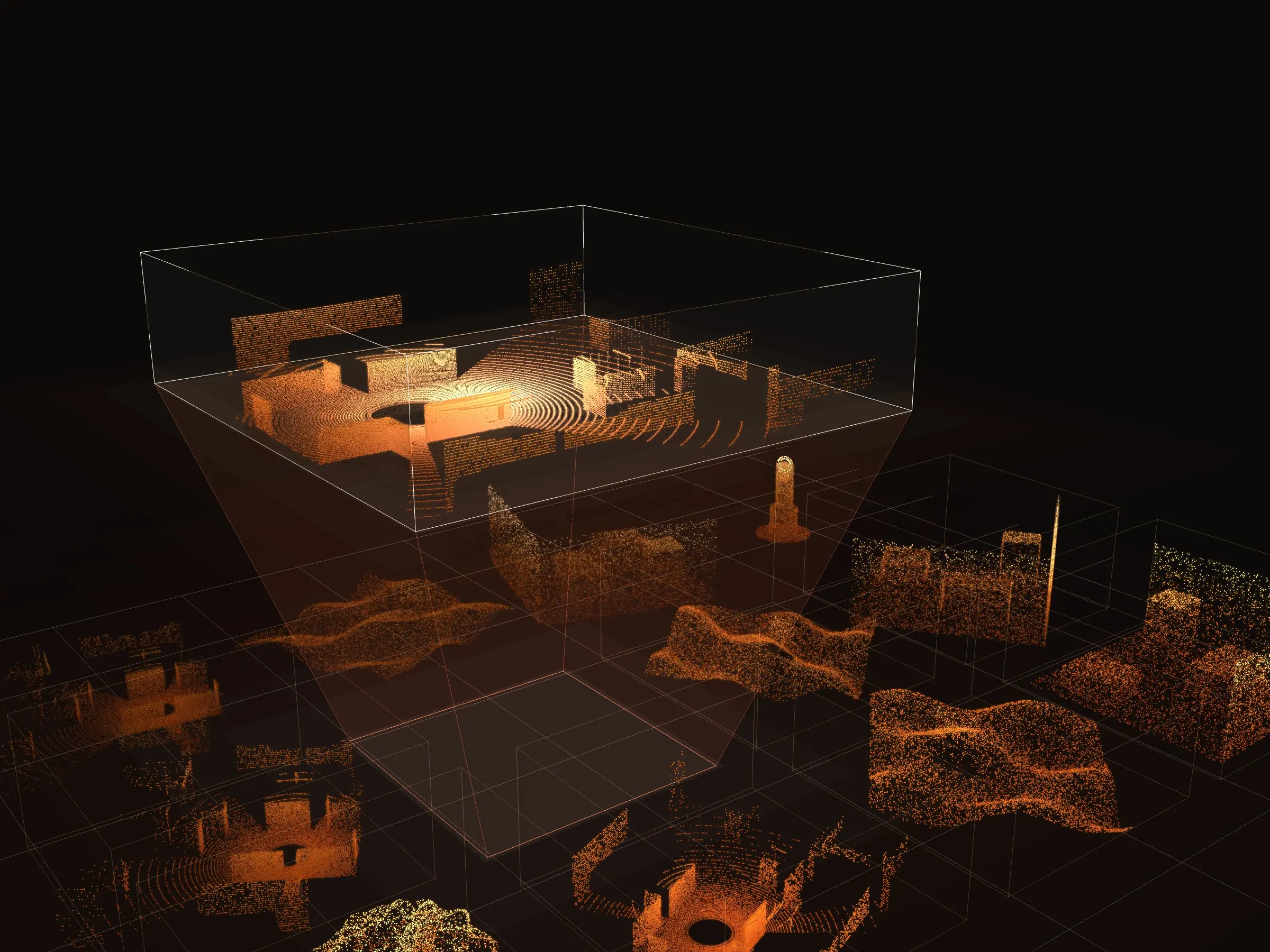
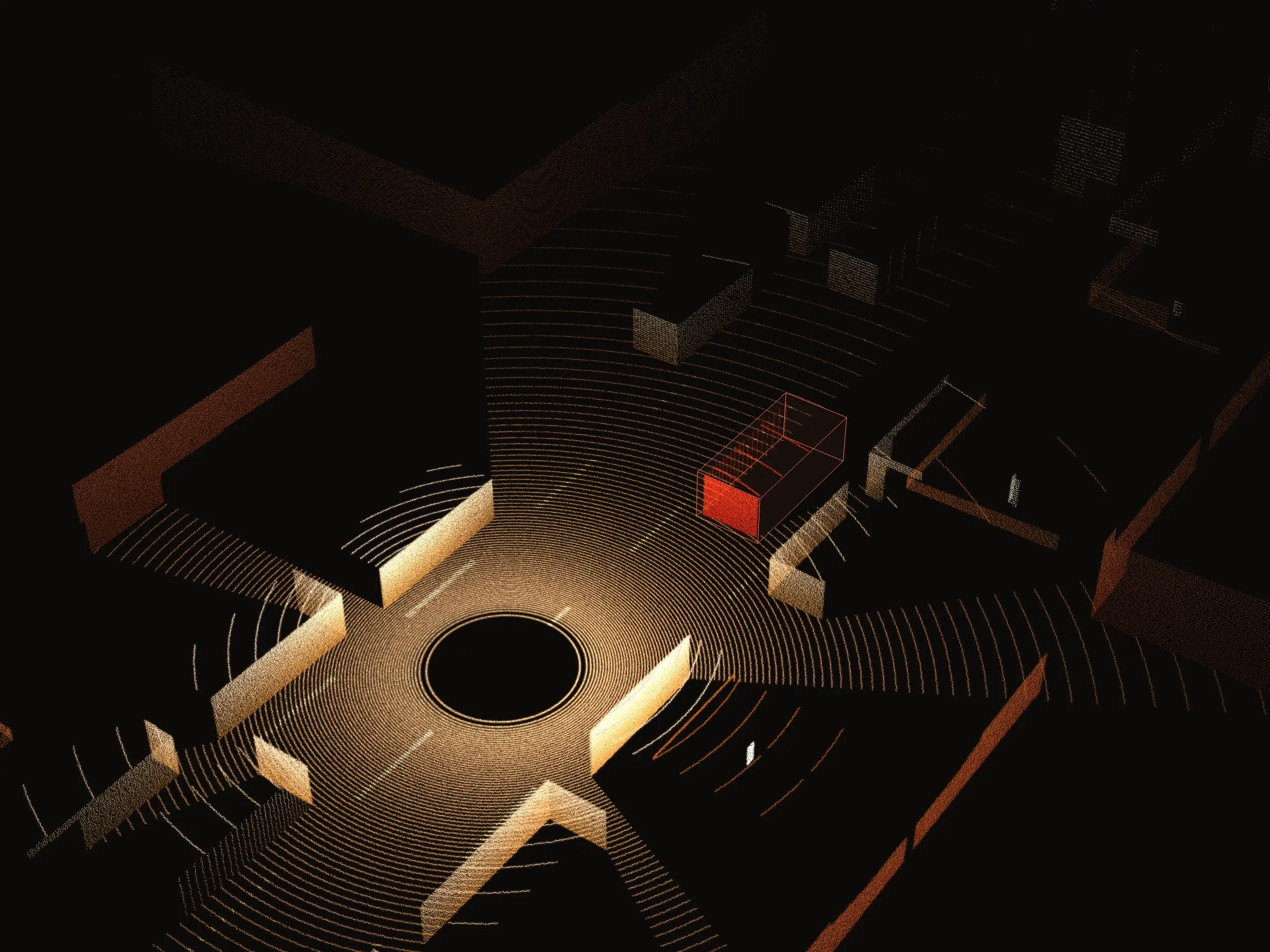
Every sample opens in a viewer built for its format. Images come with their annotations drawn over them. Video plays with its labels carried through time, frame by frame. Point clouds open in a full 3D scene you can move through, with labels and inspection panels alongside.
The 3D one is the hardest of the three: a single lidar frame can hold millions of points at once, and I made it stay smooth at that size. All of them run in the browser, on laptops and on phones.
The decisions that shaped it
One product, not three
Buyers, partners and the platform team look at the same datasets and want different things from them. I built one system that changes with who is using it, rather than three apps that would have to be kept in step forever.
Preparing data is a conversation
A large dataset is rarely bought as it stands, so preparation had to be a request that travels: raised by a buyer, priced and scheduled by the platform team, delivered by the partner. Each side sees the same request at the stage it can act on.
The viewer is the sales pitch
Specifications do not tell a buyer whether data is any good. So images, video and point clouds all open at full size in viewers built for them, and the 3D one stays smooth on a laptop with millions of points on screen.
Design and code in one pair of hands
Every flow went from idea to working software without a handover, which meant the design could change the moment building it showed something better. That is most of why the three workspaces feel like one product.