Text and audio editor
A new annotation editor for text, audio, and both together
A new kind of editor, separate from the 2D and 3D ones, for text datasets, audio datasets, and datasets that combine the two. I planned the UX, the feature behavior, the interactions and the interface, and built the entire frontend. All three modes run on one shared, configuration-driven architecture.
At a glance
- Built
- New, beside the 2D and 3D editors
- Modes
- Text, audio, and both in one scene
- Text work
- Spans and sentences, labels allowed to overlap
- Audio work
- Ranges on a timeline I built
- Driven by
- A configuration per dataset
What it is
Labeling platforms grow up around pictures. The datasets that train language and speech models are not pictures: they are passages to be read and recordings to be listened to, and the work on them is a different kind of work — mark the part that matters, say what it is, and answer questions about it.
So this is a third editor, built new beside the 2D and 3D ones and sharing the platform with them. A dataset arrives with a configuration that sets out what has to be labeled and what has to be answered; the editor renders the controls for it, and an annotator works through the file in front of them — a text, an audio recording, or a scene holding several of both.
Text
In a text task the passage itself is the canvas. Annotators read it, select the words they want to talk about, and classify what they selected. Everything they mark stays on the text, where they left it.
Language doesn't arrive in tidy pieces that never touch, so the editor doesn't pretend it does.
Spans and sentences
Select a phrase or a run of sentences and classify it: intent, meaning, or how two parts relate.
Overlap allowed
The same words can carry several annotations at once. I kept it flexible on purpose instead of forcing one label per span.
Visible in context
Every classified span stays highlighted where it sits, so labels read alongside the text.
Questions too
Some answers aren't selections, so questions can use input boxes and other form controls.
Audio
An audio task is the same idea in a medium you cannot skim. The annotator has to listen, find the moment, and mark the stretch it covers — which means the timeline has to be good enough to work in all day.
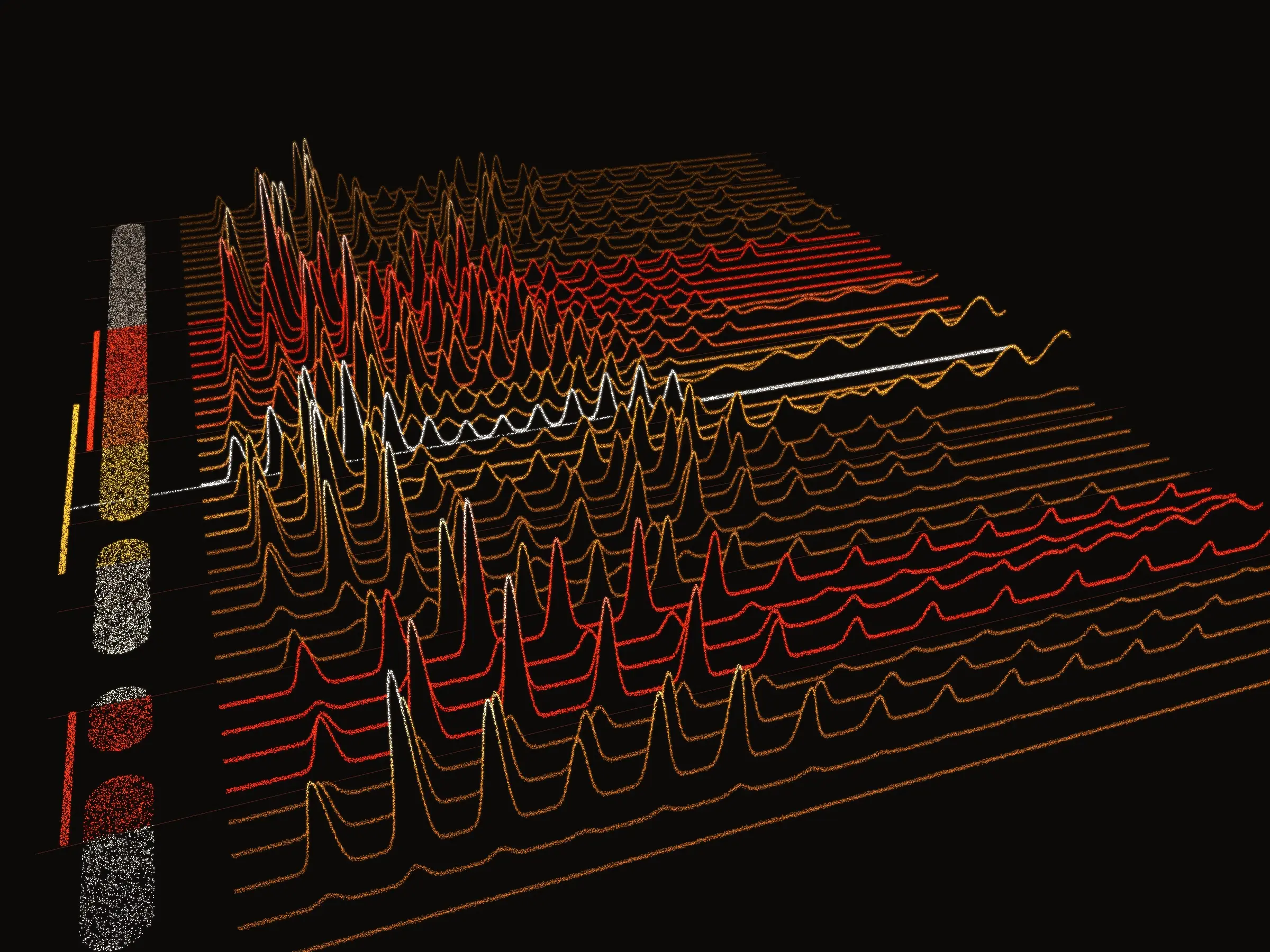
So audio got its own purpose-built player and a custom visualization. A library decodes the audio; the visualization and every interaction on it are mine.
Select a range
Drag across time and attach a classification or text, like a transcription or an intent.
Many segments
Several selections live on the timeline at once, each visible with its annotation.
Zoom and step
Zoom into the waveform, follow the playhead, and step forward and back through time.
Keyboard first
Shortcuts for the actions people repeat all day.
Both at once
Some datasets are not one thing or the other. A combined task can hold several audio files and several text files in one scene, not one of each — a call and its transcript, a set of clips and the notes taken against them.
People label all of them or only the ones that matter, and a question can point at a single file to be answered from its content, so the answer is tied to the thing it came from rather than to the task as a whole.
One architecture
Classifications, questions and the rest of the labeling requirements are configured per dataset, and the editor renders the right controls from that configuration. Text, audio and combined are modes of one editor, not three editors, which is why it came together as a mature, polished tool rather than three rough ones.