Video-language annotation
A complete video-language annotation tool, designed and built across every flow
Video-language models learn from descriptions of what happens in a video, and when. This is the complete tool for producing that data: its own dataset setup, configuration and editor, where annotators watch several synchronized video streams and correct AI-drafted descriptions over time. I designed the UX and interface and built the entire frontend.
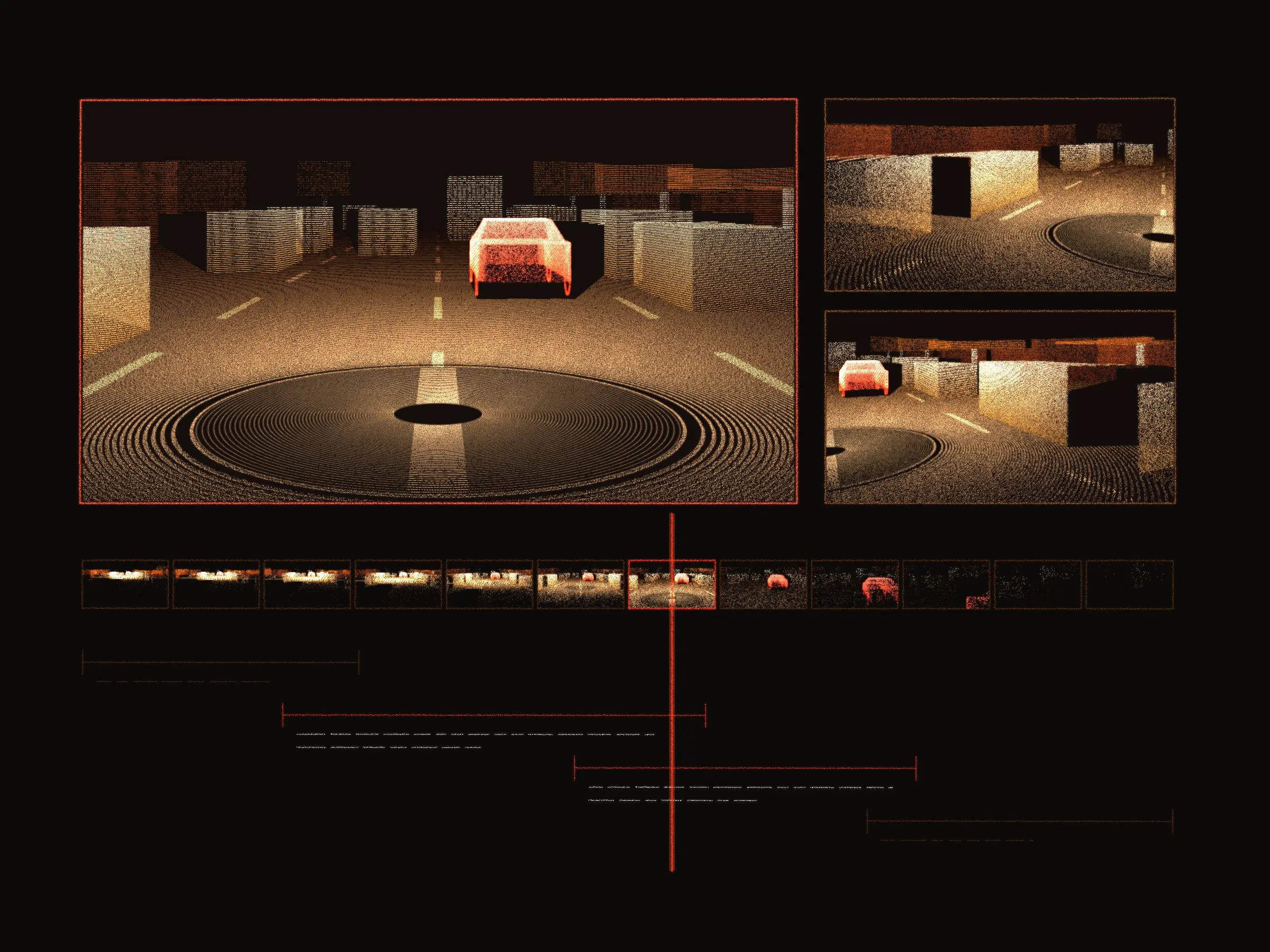
At a glance
- Produces
- Video-language training data
- In the editor
- Several video streams, playing in sync
- A dataset defines
- The questions its videos have to answer
- An answer
- A description, with a start and an end
- First draft
- Written by a model, corrected by people
The tool
A video-language model learns from language tied to time — not what is in a clip, but what happens in it, and between which two moments. Producing that data is a job of its own, and this is the tool for it: dataset setup, configuration, and the editor where the work is done.
A dataset is a set of clips, each with several camera streams that play in sync, and a configuration that says what has to be described about them. That configuration is where the questions live: every clip in the dataset is asked the same set, and every answer is a description pinned to a stretch of the video. An annotator opens a clip, watches the streams, and works through the questions.
How a dataset is made
01
Configure the dataset
The clips and their synchronized streams go in, together with the set of questions this dataset asks about every one of them.
02
Let the model draft
Responses come back already written and already placed over a stretch of time, so a clip never opens to an empty timeline.
03
Correct it in the editor
Annotators watch the streams, rewrite the text, and drag each response's start and end until it matches what is actually on screen.
04
Carry the setup forward
A configuration that works is saved and imported into the next dataset, instead of being built again from nothing.
Questions and responses
A description that is right about the wrong ten seconds is wrong. Most of the work in the editor is the timing.
A question
What the dataset wants described, the kind of answer it takes — text, a number, a choice — and the validation rules that answer has to pass.
A response
One description, with its own start and end time. A question takes as many as the clip needs.
On the timeline
Because responses are placed in time, the same question can be answered one way early in a clip and another way later, which is what makes the data worth training on.
Reusable profiles
Setting up the same questions for every dataset gets old fast. Question and dataset configurations can be saved as profiles and imported into a new dataset in one step, so a team that has settled on how it wants its videos described never has to type that out twice.